Tracing. Follow a request through every service it touched and find the span that ate the time.
One product for observability, incidents and AI agents
Find what broke.Fix it and go back to bed.
FerrisTrace keeps your traces, logs, Kubernetes state and LLM calls linked together. When the alert fires, you open an incident and the evidence is already in it.
Open source · Self-host with one command · Cloud is free during the beta
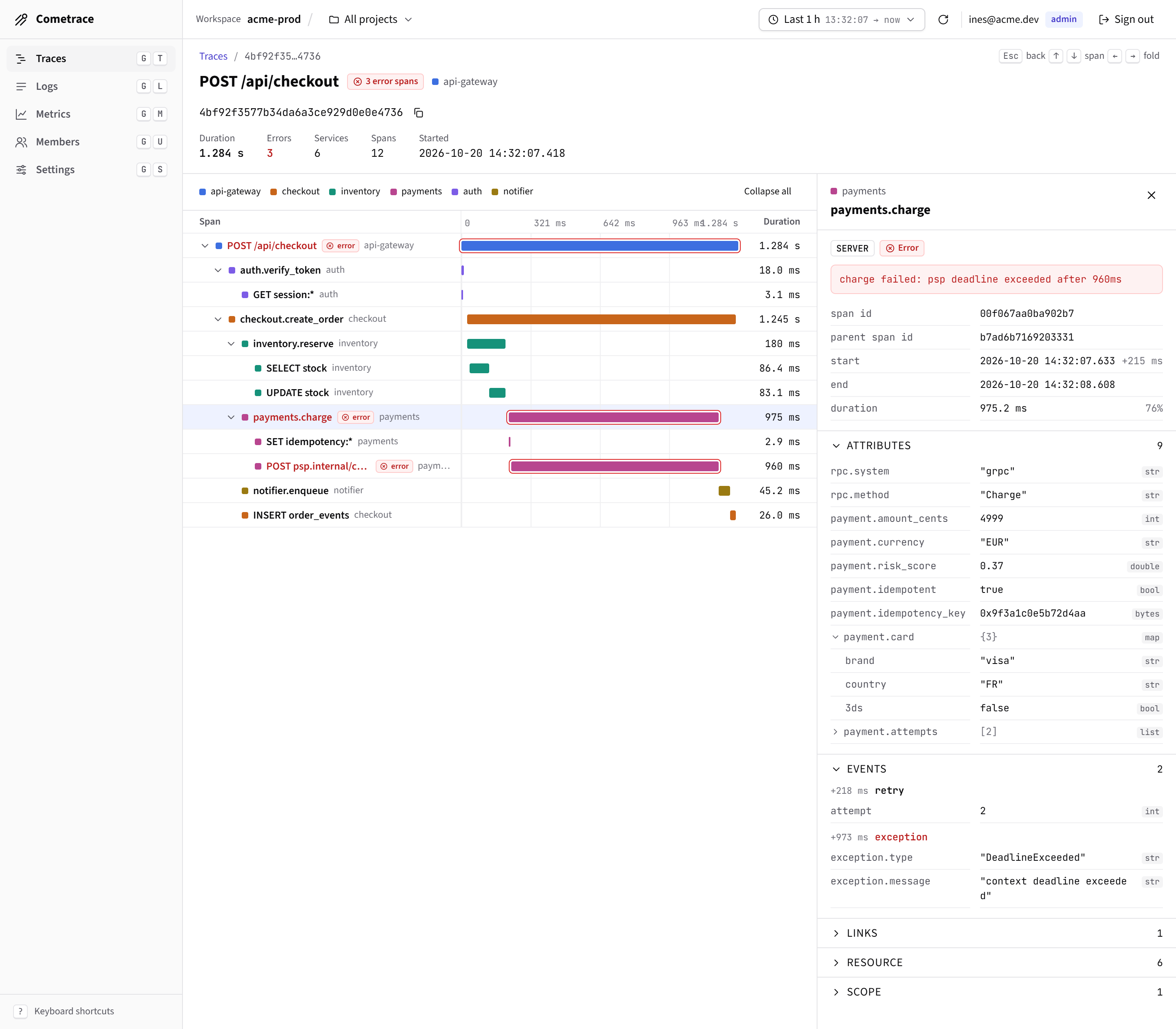
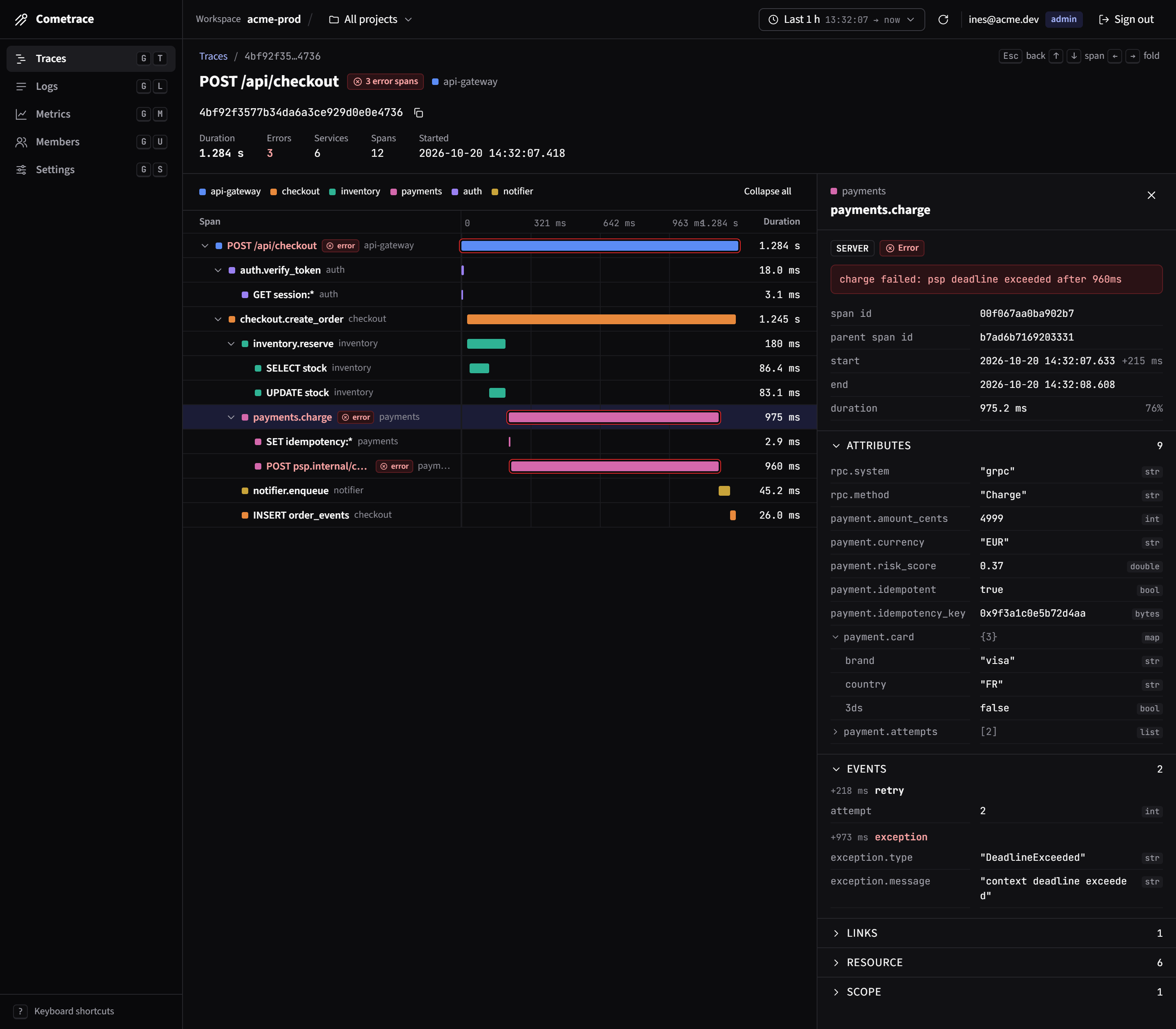
The trace view, with the span waterfall on the left and the selected span's attributes, events and resource on the right.
Built for the bad nights. Handy on the quiet days too.
Take an incident from the first alert to the postmortem without opening another tool.
Explore the docsLogs. Search your logs, then click an error to open the request that threw it.
Infrastructure. See which pod is crash-looping and which deploy put it there.
Incidents. Declare an incident straight from the alert, with the evidence already attached.
AI observability. See what each LLM call cost and how long it took, by model and by feature.
Metrics. When p99 jumps, click the spike to see the traces behind it.
Secure AI agents. Agents can read telemetry and help triage incidents with scoped FerrisKey tokens. You can audit what they did and revoke a token at any time.
Sound familiar?
Pick a bad day and compare how it goes with FerrisTrace.
Today
4 steps · 3 tools- 1kubectldescribe the pod, read the events
- 2kubectllogs --previous, find the stack trace
- 3ArgoCDfind which sync shipped the image
- 4Grafanacheck whether memory was the limit
With FerrisTrace
1 step · 1 tool- 1FerrisTraceclick the red pod to see its deploy, restarts and last trace
You see why it crashed and which version shipped it.
Run it yourself, or don't.
Cloud runs the same code and the same UI as self-hosted. Switching between them only changes who runs the container.
Self-hosted
Apache 2.0One container, one volume. Your data stays on your server.
- A setup token is printed at first boot. There is no default password
- Projects, ingest keys and API tokens per workspace
- Local accounts, plus OpenID Connect (FerrisKey) when you configure it
- Kubernetes manifests (Kustomize + ArgoCD) in deploy/k8s
- Retention in days, set by an admin
$ docker run -d -p 8080:8080 -p 4318:4318 -v ferristrace:/data ferrislabs/ferristraceCloud
Free while in betaWe host the container, keep it updated and handle the backups. You get a workspace and an ingest key.
- Same UI and API as self-hosted
- Multi-region
- Retention up to 90 days
- Export your data and move to self-hosted any time
Backed by teams who run it in production.
FerrisTrace is open source. The companies below run it on their own servers and help pay for its development.
